
App Use and Choice Reflection
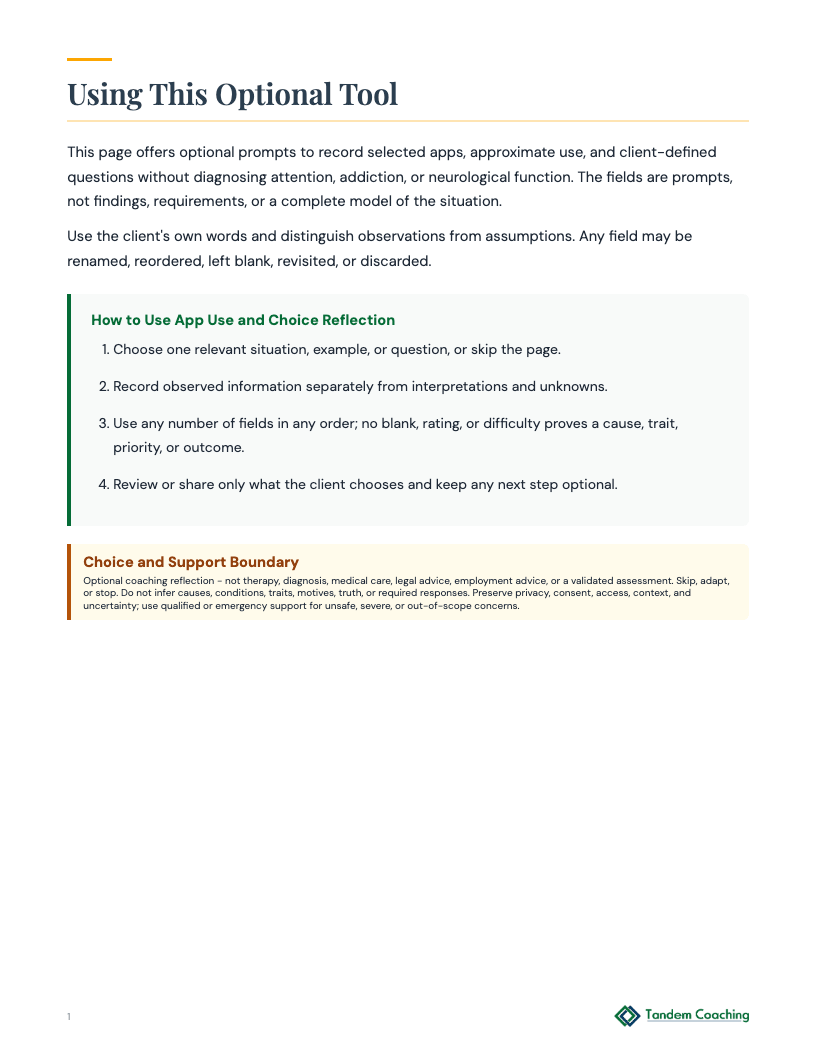
Use app use and choice reflection as an optional, client-owned tool while separating observations, assumptions, and unknowns.
Get This Tool
Free, print-ready PDF.
When to Use This Tool
A client is considering App Use and Choice Reflection for one current situation
A client wants to separate observations, assumptions, and unknowns without inferring a cause or trait
A client wants to preserve privacy, choice, access, context, and uncertainty
How to Introduce This Tool Plus
What did you observe, what is assumed or unknown, and which optional question or next step feels useful?
Coaching Tool Disclaimer
This tool is designed for coaching contexts, not clinical use. If you or your client is in crisis, contact the 988 Suicide and Crisis Lifeline (call or text 988) or Crisis Text Line (text HOME to 741741).
Browse All Pages
Tool Classification
Domain
ADHD
Type
Assessment
Phase
Discovery
Action
Details
15 min
Between sessions
Topics
Habits
Identity
Executive Function
For the Coaching Practitioner
Plus
Coaching Scenarios
Plus
1 Client considering App Use and Choice Reflection for one current situation ▶
Context
A client brings a situation related to App Use and Choice Reflection. Confirm the client's words, observations, assumptions, unknowns, goal, privacy needs, access needs, and preferred scope.
How to Introduce
Offer the tool as optional. Explain its limited job, distinguish it from nearby tools, and confirm language, access, privacy, and consent.
What to Watch For
Keep observations client-owned. Do not infer a diagnosis, hidden motive, fixed trait, cause, treatment, measurement, truth, or correct decision from an answer, blank, selection, or rating.
Debrief
Ask what the client observed, what remains assumed or unknown, and whether one optional question, support, experiment, referral, or no next step would be useful.
Flags
Not therapy, diagnosis, medical, legal, financial, or employment advice. Adapt or stop for distress or risk; use qualified or emergency support when appropriate.
2 Client adapting App Use and Choice Reflection to their own language, access, and context ▶
Context
A client brings a situation related to App Use and Choice Reflection. Confirm the client's words, observations, assumptions, unknowns, goal, privacy needs, access needs, and preferred scope.
How to Introduce
Offer the tool as optional. Explain its limited job, distinguish it from nearby tools, and confirm language, access, privacy, and consent.
What to Watch For
Keep observations client-owned. Do not infer a diagnosis, hidden motive, fixed trait, cause, treatment, measurement, truth, or correct decision from an answer, blank, selection, or rating.
Debrief
Ask what the client observed, what remains assumed or unknown, and whether one optional question, support, experiment, referral, or no next step would be useful.
Flags
Not therapy, diagnosis, medical, legal, financial, or employment advice. Adapt or stop for distress or risk; use qualified or emergency support when appropriate.
3 Client reviewing selected observations without drawing a fixed conclusion ▶
Context
A client brings a situation related to App Use and Choice Reflection. Confirm the client's words, observations, assumptions, unknowns, goal, privacy needs, access needs, and preferred scope.
How to Introduce
Offer the tool as optional. Explain its limited job, distinguish it from nearby tools, and confirm language, access, privacy, and consent.
What to Watch For
Keep observations client-owned. Do not infer a diagnosis, hidden motive, fixed trait, cause, treatment, measurement, truth, or correct decision from an answer, blank, selection, or rating.
Debrief
Ask what the client observed, what remains assumed or unknown, and whether one optional question, support, experiment, referral, or no next step would be useful.
Flags
Not therapy, diagnosis, medical, legal, financial, or employment advice. Adapt or stop for distress or risk; use qualified or emergency support when appropriate.
4 Client deciding whether to continue, change, share, or stop using App Use and Choice Reflection ▶
Context
A client brings a situation related to App Use and Choice Reflection. Confirm the client's words, observations, assumptions, unknowns, goal, privacy needs, access needs, and preferred scope.
How to Introduce
Offer the tool as optional. Explain its limited job, distinguish it from nearby tools, and confirm language, access, privacy, and consent.
What to Watch For
Keep observations client-owned. Do not infer a diagnosis, hidden motive, fixed trait, cause, treatment, measurement, truth, or correct decision from an answer, blank, selection, or rating.
Debrief
Ask what the client observed, what remains assumed or unknown, and whether one optional question, support, experiment, referral, or no next step would be useful.
Flags
Not therapy, diagnosis, medical, legal, financial, or employment advice. Adapt or stop for distress or risk; use qualified or emergency support when appropriate.
Tool Flow
Plus
Requires
- None - standalone tool
→
Produces
- client-owned observations
- assumptions and unknowns
- an optional question or next step
Pairs Well With
ADHD
App Use and Choice Reflection
Use this assessment to take stock of habits and identity before the client chooses what deserves attention.
Why it pairsChoose this assessment for a different angle on habits and identity; use it only if that separate job fits the client.
ADHDOptional Home Task Map
Use this planner to organize habits and time management into a client-owned sequence of possible next steps.
Why it pairsChoose this planner for a different angle on habits and executive function; use it only if that separate job fits the client.
ADHDAttention Context Log
Use this tracker to notice patterns in executive function and habits over time before drawing conclusions.
Why it pairsChoose this tracker for a different angle on habits and executive function; use it only if that separate job fits the client.
Related Articles


Organize Your Success – ADHD Coaching to Master Organizational Skills
Read article →
ADHD Coaching Certification: Which Path Actually Counts
Read article →
Group vs Individual ADHD Coaching: Which Works?
Read article →
Adaptive ADHD Leadership: 7 Strategies That Work
Read article →